Branded online booking & portal
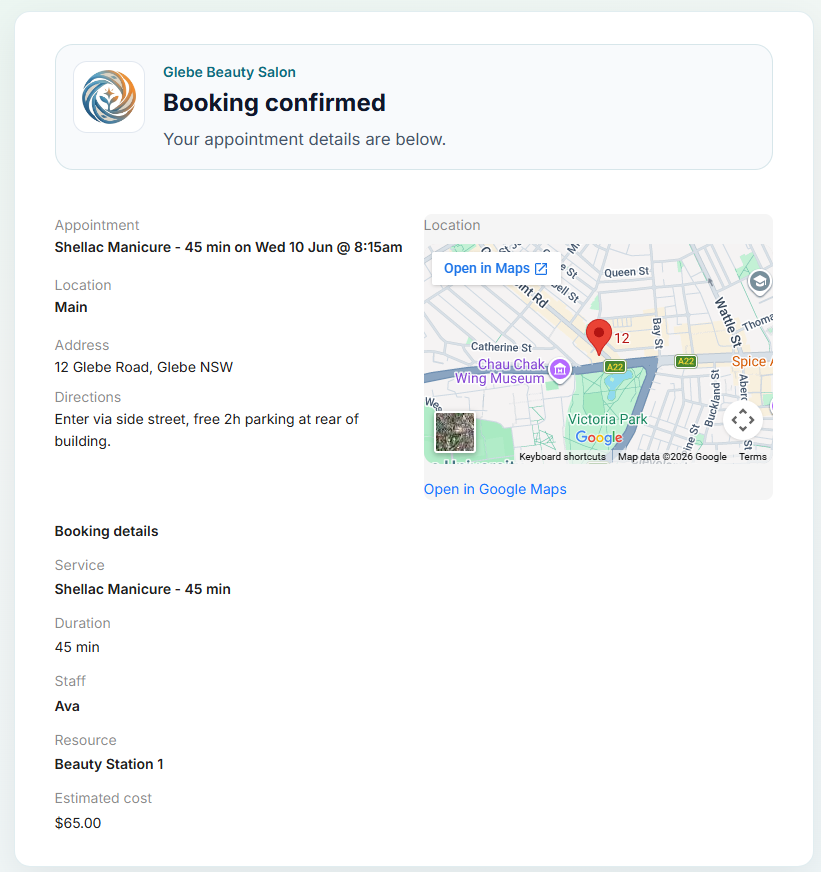
Your customers don't book on a generic widget on someone else's domain. They pick a service, choose a time, and check out on yours - then open the SMS confirmation link for booking details, directions, and a live map. Signed-in customers also get forms, history, and invoices in the same portal.
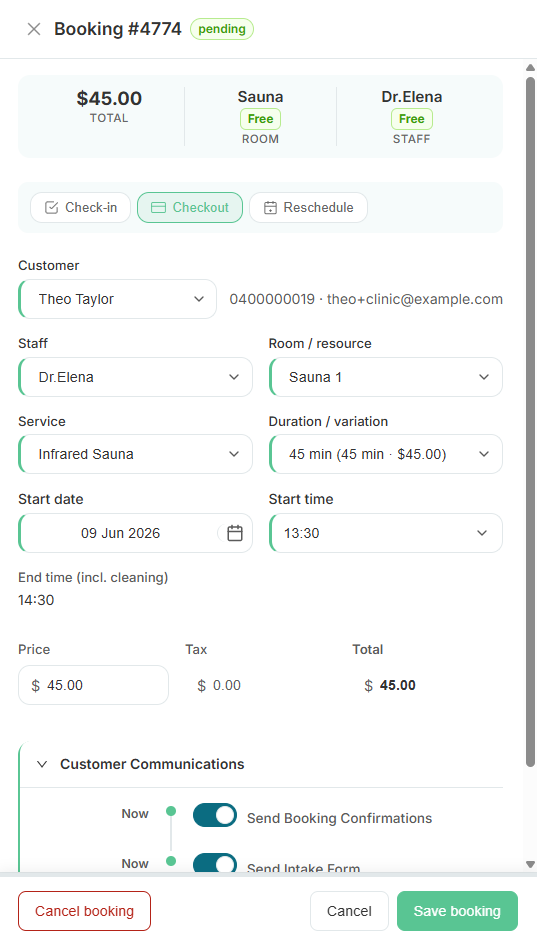
Built right into the product.
No bolt-ons, no surprise add-ons. Branded online booking & portal ships on plans labelled All plans.
- {your-business}.revively.app or custom domain
- Guided booking flow - service, time, guest or member checkout
- SMS and email confirmations with a link to booking details
- Confirmation page shows date, location, and live map
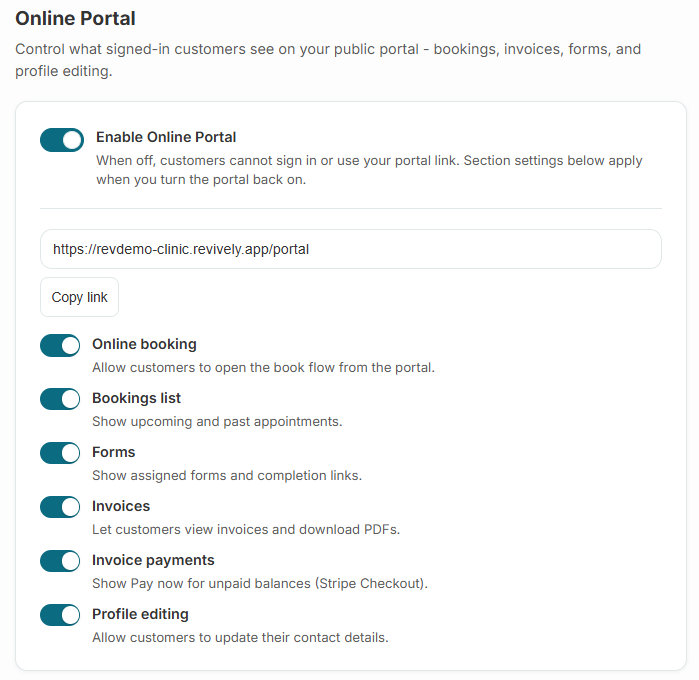
- Customer portal: upcoming bookings, forms, invoices, profile
- Brand color, logo, and portal styling
In the product
See it in action.
SMS confirmation link - booking details, directions, and live map
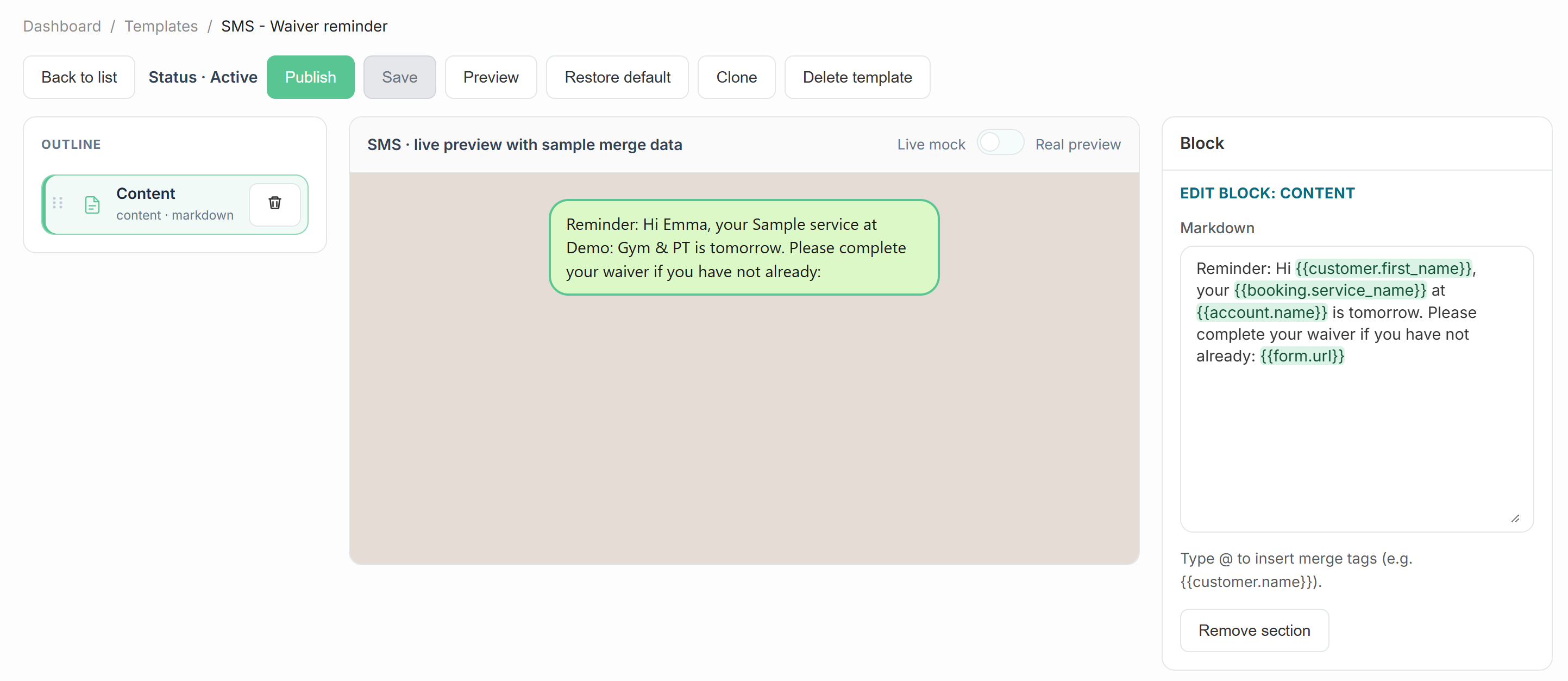
Customise SMS templates with booking link merge tags
Brand color, logo, and portal styling in settings
How it works
Three moves and you're live.
Claim your URL
Pick your workspace slug at sign-up - the portal goes live the same day.
Style it like you
Settings → Design uploads your logo and brand color across portal, booking flow, and emails.
Customers book online
They browse services, pick an available slot, and confirm - availability stays in sync with your schedule.
SMS link opens the details
Confirmation texts include a link to the booking page with time, location, and a live map - handy when they're on the way.
Related
Pair it with
Ready to run your day, not your inbox?
Start a 15-day free trial. No credit card needed. Import your services in minutes - or pick a vertical pack and we'll seed sensible defaults.